
Introduction
In today’s digital world, we store more photos, videos, documents, and files than ever before. With limited phone storage and constantly growing files, cloud storage apps have become essential. One of the popular and increasingly trusted options is the TeraBox app — a cloud storage service that offers generous free space, automatic backups, and easy sharing features.
In this complete guide, we’ll explore what TeraBox app is, how it works, its features, pricing plans, safety & privacy, pros and cons, alternatives, and who should use it.
What Is the TeraBox App?
TeraBox app is a cloud storage application that allows users to upload, store, organize, and access files securely over the internet.
It functions similarly to services such as Google Drive, Dropbox, and OneDrive — but with higher free storage limits and features that make it appealing for users with large photo/video collections.
With TeraBox, you can:
-
Upload and store files
-
Access files on any device
-
Automatically back up photos & videos
-
Share files with others via links
-
Organize files and folders
-
Sync with devices
How TeraBox App Works
Upload & Backup
After installing the app and signing in, TeraBox gives you options to upload:
-
Photos & videos
-
Music
-
Documents and PDFs
-
Zip files
-
Other media formats
You can enable automatic backup for photos and videos so every new shot on your phone is saved safely in the cloud.
Access from Anywhere
Once files are uploaded, you can view them on:
-
TeraBox mobile app
-
Web browser
-
Tablet or PC
This means you don’t need physical storage on your phone for important files — just upload and access anytime.
File Sharing
File sharing is easy:
-
Create a share link
-
Choose download expiration
-
Add passwords (premium)
-
Share with friends and family
This feature is useful for sending large files without email size limits.
Key Features of TeraBox App
Generous Free Cloud Storage
TeraBox offers larger initial free cloud space compared to many other services, making it ideal for users who have many photos and videos.
Automatic Photo & Video Backup
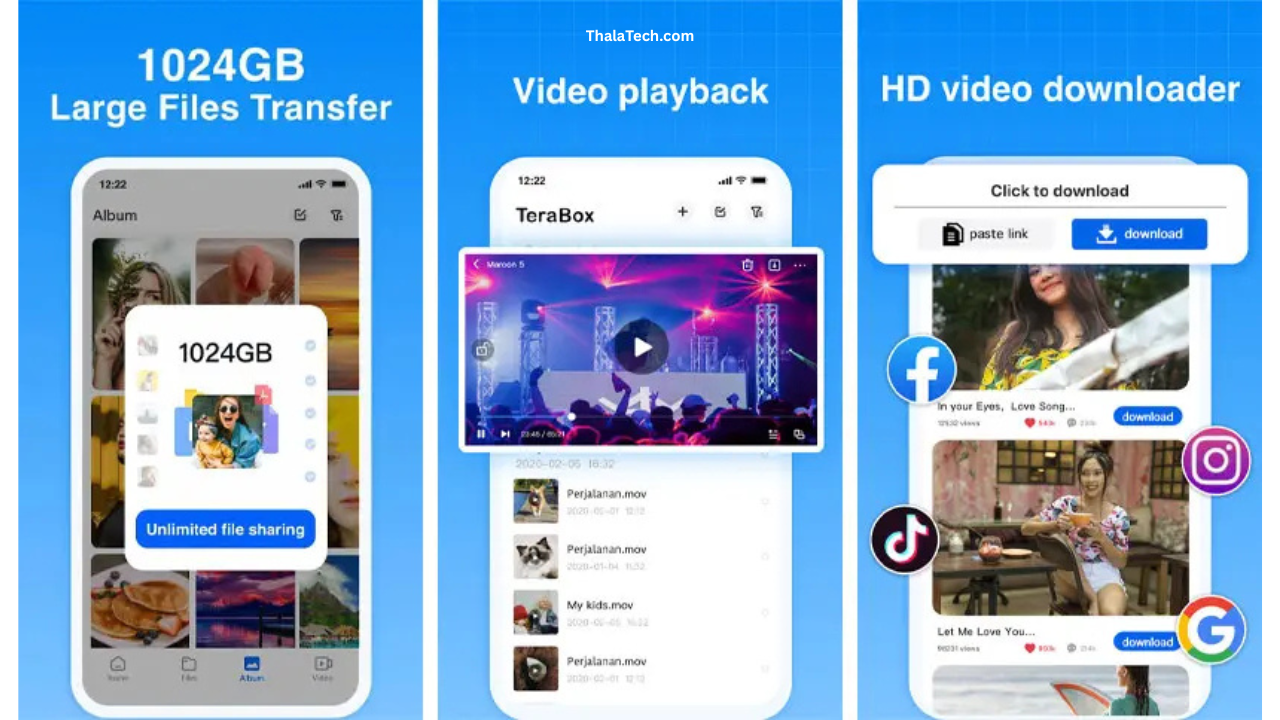
The app can automatically upload camera photos and videos in the background, ensuring your memories are safely stored without manual intervention.
Smart File Organization
Files are organized into folders. You can create, rename, delete, and move folders easily.
Offline Access
Files you select for offline use can be accessed even without internet connectivity.
File Preview & Streaming
TeraBox supports file preview for:
-
Photos
-
Videos
-
Documents
-
PDFs
You can also stream videos directly from cloud storage without downloading them first.
File Scanning & Virus Protection (Cloud-level)
Some versions of TeraBox include cloud-side malware scanning to protect stored files.
TeraBox App Pricing Plans
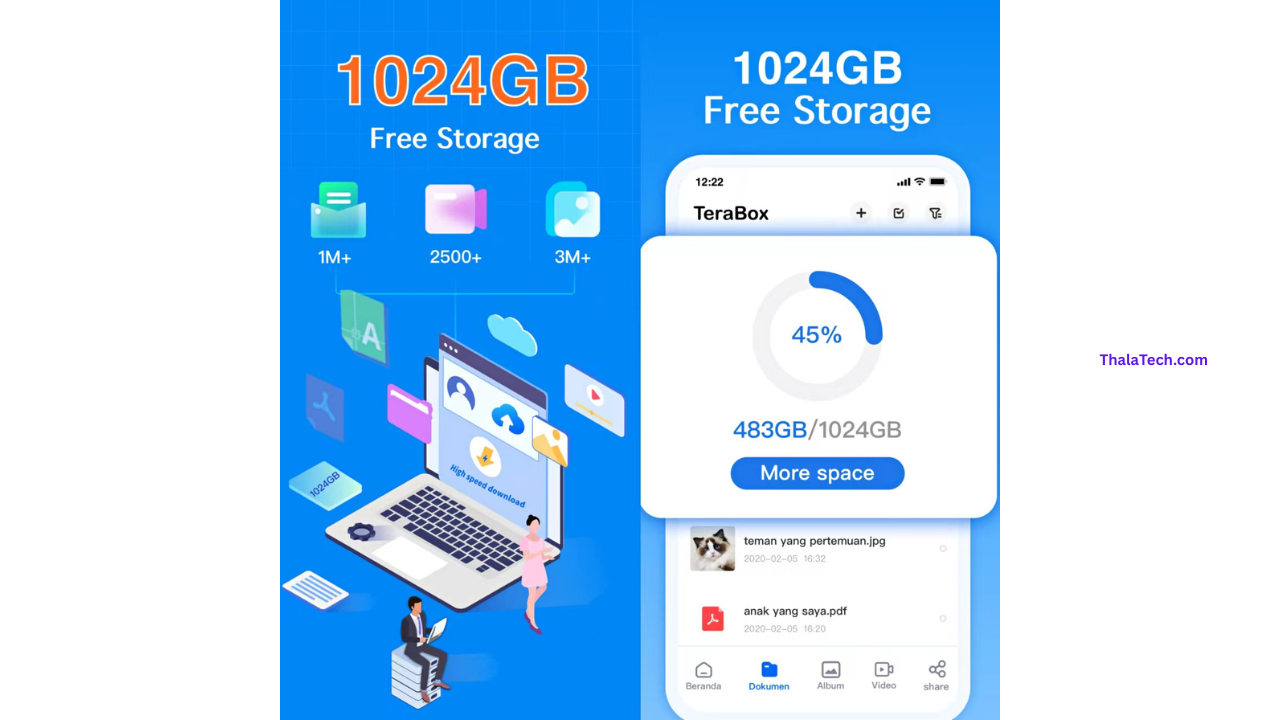
TeraBox offers a free plan and premium subscription plans with expanded features and storage.
Free Plan
Large free initial storage
Automatic photo/video backup
File uploads and sharing
File organization and preview
Premium Plan (Paid Subscription)
Premium upgrades include:
More cloud storage
Higher upload/download speed
No ads
Enlarged share bandwidth
Additional premium features
Longer or unlimited file retention
Premium pricing varies by region and typically offers:
-
Monthly subscription
-
Yearly subscription (more cost-effective)
Free vs Premium Comparison
| Feature | Free Plan | Premium Plan |
|---|---|---|
| Cloud Storage Space | Generous | Greatly Expanded |
| File Upload Speed | Standard | Faster |
| Ads | Might Appear | Ad-Free |
| Share Link Bandwidth | Limited | Higher/Unlimited |
| Auto Backup | ✔ | ✔ |
| Offline Downloads | Limited | Extended |
| Priority Support | ❌ | ✔ |
Safety & Privacy
Security of your files is critical. Here’s how TeraBox handles it:
Data Encryption
TeraBox uses industry-standard encryption to protect uploads and downloads, both in transit and at rest on servers.
User Control
Users control access to files. You decide what gets shared, and you can revoke share links whenever you want.
Two-Step Verification
While not available in all regions yet, TeraBox may offer two-step verification for added account security.
Data Retention
Premium plans may offer longer file retention even when unused. Be sure to review the Terms of Service for storage policies on inactive accounts.
Performance and Reliability
TeraBox generally performs well for:
Quick uploads
Smooth file browsing
Fast downloads (premium)
Auto backup with minimal battery impact
Some users report slower download speeds on free plans, which improves with premium subscriptions.
Who Should Use TeraBox App?
TeraBox is ideal for:
Users with large photo/video collections
People needing extra cloud storage
Students with multimedia files
Professionals with documents to store
Families sharing memories
Anyone seeking simple automatic backups
If you often run out of phone storage or want an easy way to safeguard memories, TeraBox is a strong option.
Pros & Cons
Pros
-
Large initial free storage
-
Easy automatic backups
-
Access from multiple devices
-
Simple file organization
-
File preview & streaming support
-
Helpful for media-rich users
Cons
-
Free plan download speeds can be limited
-
Some features require premium subscription
-
Cloud storage does require internet access
-
Not ideal if you need encrypted vaults (for super-sensitive data)
Alternatives to TeraBox App
If TeraBox doesn’t fit your needs, here are some alternatives worth considering:
Google Drive
-
Deep integration with Android
-
Easy document editing
-
Strong sharing controls
Dropbox
-
Simple interface
-
Great for collaborative file sharing
-
Robust syncing
Microsoft OneDrive
-
Works seamlessly with Microsoft Office
-
Includes personal vault features
pCloud
-
Lifetime plans available
-
Backup from multiple devices
Mega
-
Free storage with strong emphasis on encryption
-
Built-in secure sharing
Each of these has its strengths depending on your focus (security, collaboration, Office integration, etc.).
Frequently Asked Questions (FAQs)
1. Is TeraBox app safe to use?
Yes. TeraBox app uses encryption and standard cloud protection measures to keep your files secure. Always use a strong login password and enable any available verification features.
2. How much free storage does TeraBox provide?
Storage amounts can vary by region and promotions, but TeraBox is known for offering higher free cloud storage compared to many competitors.
3. Can I access TeraBox files offline?
Yes. You can mark files for offline access, allowing you to view them even without an internet connection.
4. Is TeraBox worth it?
Yes — especially if you have lots of photos, videos, or files and want large free storage with automatic backups.
For everyday users who value simplicity, media backups, and easy access from multiple devices, TeraBox provides excellent value. Premium plans boost speed and capacity, making it even more useful for frequent users.
Conclusion
The TeraBox app offers a compelling cloud storage solution with generous free storage, easy automatic backups, file sharing, offline access, and cross-device availability. While download speeds and advanced features are enhanced with premium plans, the free tier alone is often enough for casual users wanting a reliable online storage option.
If you want secure, simple cloud storage that works seamlessly with photos, videos, and documents — especially when your device runs low on space — TeraBox is worth trying.
Nice work
it’s very useful and nice work. I like this website.
Terabox
Supr
எஜுகேஷன் பர்பஸ்
Super
சூப்பர்
Super
Super app
Super