
Instant messaging has transformed the way people communicate. From personal chats to business coordination, WhatsApp plays a major role in daily digital interaction. Many users look for better ways to manage communication timing, availability awareness, and notification efficiency. This is where WhatsApp online tracking apps gain attention.
However, using such apps responsibly and understanding their real capabilities is extremely important. In this detailed guide, you will learn practical tips and tricks, feature explanations, pricing details in India, safety considerations, comparisons, alternatives, and whether these apps are truly useful.
This article focuses only on availability tracking tools and notification management — not message access or private monitoring.
Introduction
In fast-paced communication environments, timing matters. Whether responding to a client, coordinating with a colleague, or planning a call, knowing when someone is online can improve efficiency.
Many users repeatedly open WhatsApp to check availability. This wastes time and increases screen usage. Online tracking apps attempt to solve this by sending alerts when a selected contact becomes active.
The key is using these tools wisely, understanding their limits, and choosing safe applications from trusted developers.
What Is a WhatsApp Online Track App?
Definition
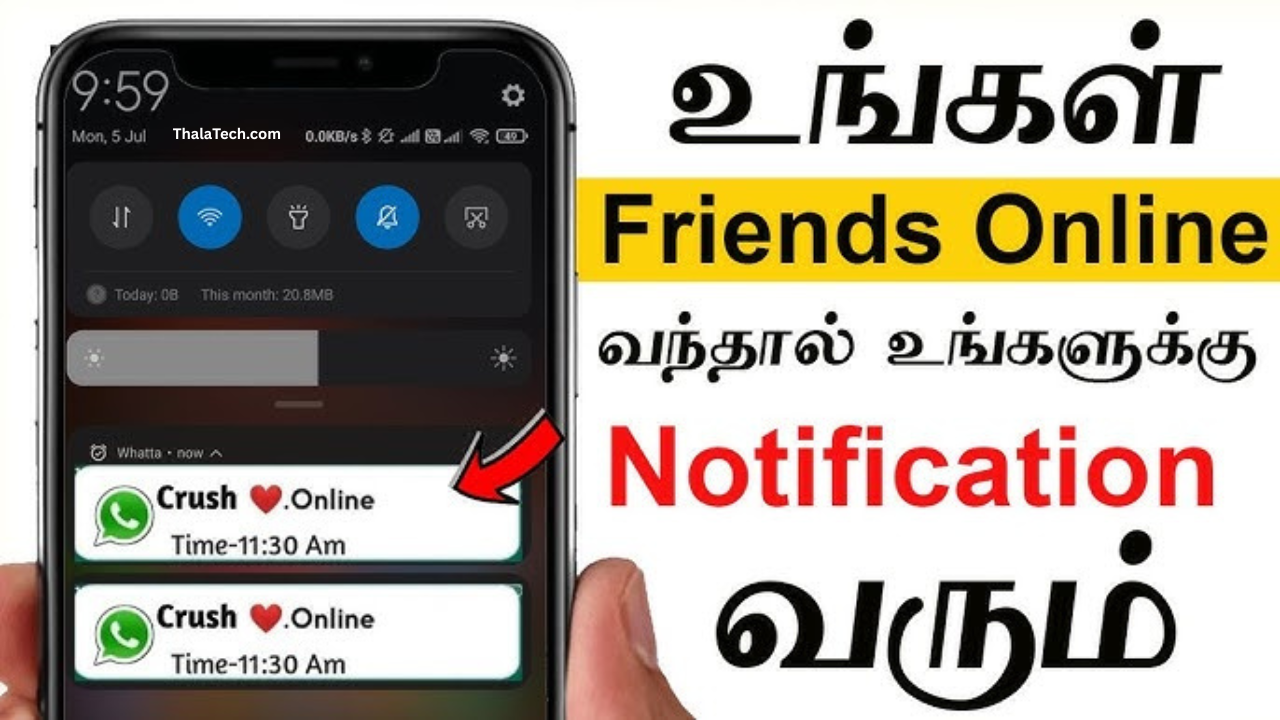
A WhatsApp online track app is a notification-based utility tool that alerts users when a selected contact’s online status changes.
How It Works
These apps generally:
-
Monitor publicly visible online indicators
-
Send notifications when status changes
-
Record time logs (in some versions)
-
Operate in the background with notification permission
They do not provide access to private messages or chat content. Their functionality is limited to visible online presence signals.
Difference Between WhatsApp Built-In Features and Tracking Apps
| Feature | Online Track App | |
|---|---|---|
| Last Seen | Yes | Yes |
| Online Alert | No | Yes |
| Activity Log | No | Some versions |
| Real-Time Notifications | Limited | Yes |
| Custom Alerts | Basic | Advanced |
Common Real-Life Use Cases
-
Coordinating business calls
-
Managing customer response timing
-
Monitoring availability for urgent discussions
-
Structured communication planning
-
Reducing repeated manual checking
Features Overview Table
| Feature | What It Does | Benefit |
|---|---|---|
| Online Status Alert | Notifies when contact becomes active | Saves time |
| Offline Alert | Alerts when contact leaves | Better planning |
| Activity Log | Records timestamps | Pattern tracking |
| Contact Selection | Monitor specific numbers | Focused tracking |
| Background Operation | Runs silently | Convenience |
| Custom Notifications | Personalized sound/vibration | Quick response |
Key Features Explained
1. Real-Time Status Alerts
The most important feature. Users receive instant notifications when selected contacts come online.
2. Activity History Tracking
Some apps provide daily or weekly online duration logs for awareness of communication patterns.
3. Multi-Contact Monitoring
Advanced versions allow tracking multiple contacts simultaneously.
4. Custom Notification Settings
Users can choose different alert sounds, vibration patterns, or silent notifications.
5. Lightweight Design
Well-optimized apps consume minimal storage and system resources.
Tips and Tricks for Smart Usage
Using these apps responsibly improves efficiency and avoids unnecessary complications.
Tip 1: Monitor Only Necessary Contacts
Avoid tracking too many numbers. Focus only on contacts where timing truly matters, such as work-related communication.
Tip 2: Use Custom Notification Tones
Assign specific tones for important contacts to respond faster.
Tip 3: Combine with Scheduled Messaging
Use tracking alerts to send messages when the person is active for faster replies.
Tip 4: Avoid Continuous Background Drain
Disable monitoring for contacts when not required to reduce battery usage.
Tip 5: Review Permissions Regularly
Ensure the app only has necessary notification and overlay permissions.
Tip 6: Update the App Frequently
Developers release updates for stability and performance improvements.
Price in India
Most online tracking apps follow a freemium model.
Free Version
-
Limited contact tracking
-
Basic notifications
-
Advertisements included
Premium Version
-
Unlimited contact monitoring
-
Extended activity logs
-
Advanced notification customization
-
Ad-free experience
Subscription plans may include:
-
Monthly plan
-
Quarterly plan
-
Yearly plan
Yearly plans generally provide better value for long-term users.
Free vs Paid Comparison
| Feature | Free Version | Premium Version |
|---|---|---|
| Contacts Limit | Limited | Unlimited |
| Activity History | Basic | Detailed |
| Ads | Yes | No |
| Custom Alerts | Limited | Full Control |
| Data Logs | Short-term | Extended |
Value Explanation
Free plans are suitable for casual use.
Premium versions are better for professionals who rely on communication timing and need advanced logging.
Is It Safe to Use?
Safety depends on choosing a reputable application.
Before installing:
-
Check developer details
-
Review user ratings
-
Examine required permissions
-
Avoid apps asking for login credentials
A legitimate availability tracking app should not request access to private messages or personal data.
Always download from official app marketplaces.
Performance Test
Speed
Well-designed apps send notifications instantly without noticeable delay.
Stability
Stable apps run smoothly in the background without frequent crashes.
Battery Usage
Continuous monitoring can slightly increase battery consumption. Limiting monitored contacts reduces impact.
Storage Usage
Most tracking apps are under 30MB, making them suitable for mid-range devices.
Pros and Cons
Pros
-
Saves time
-
Reduces manual checking
-
Easy user interface
-
Useful for business communication
-
Fast alert system
Cons
-
Limited features in free version
-
Requires internet connection
-
May consume battery if monitoring multiple contacts
-
Accuracy depends on network stability
How to Use a WhatsApp Online Track App
Step 1: Install from Google Play Store
Step 2: Open the app
Step 3: Grant notification access
Step 4: Add contact numbers
Step 5: Enable online/offline alerts
Step 6: Customize notification settings
No advanced technical knowledge required.
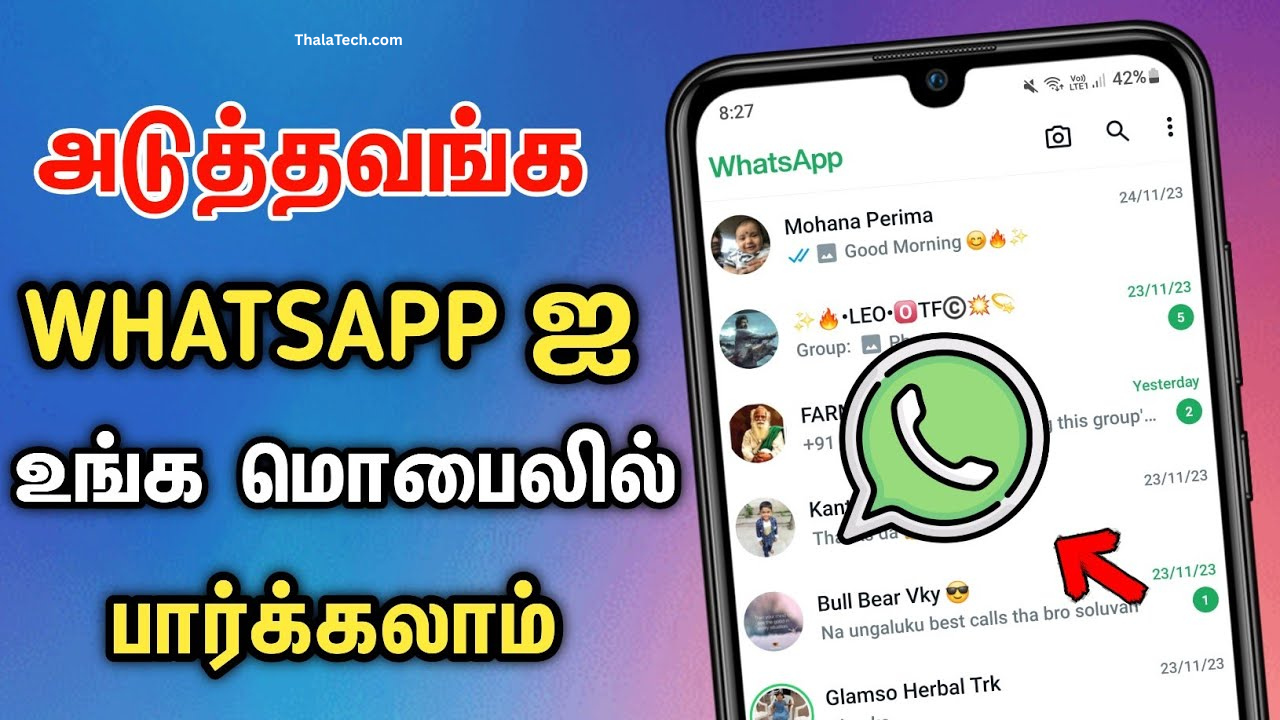
The image above shows the interface of whatsapp online track app for reference.
Download Section
To install:
-
Open Google Play Store
-
Search for “WhatsApp Online Track App”
-
Select an app with strong ratings and verified developer information
-
Review permissions
-
Install and configure
Avoid downloading from unknown sources.
Best Alternative Apps
If you prefer built-in availability systems, consider:
-
WhatsApp Business
-
Telegram (activity visibility feature)
-
Microsoft Teams (presence indicator)
-
Slack (team online status tracking)
-
Signal (secure messaging platform)
These apps offer communication management tools without requiring additional tracking applications.
Frequently Asked Questions
1. Is it safe to use in India?
Yes, when downloaded from official app stores and used responsibly with proper permission review.
2. Does it work without internet?
No. Internet connectivity is required for detecting real-time status changes.
3. What is the price in India?
Most apps offer a free version. Premium plans vary depending on subscription duration.
4. Is it worth it? Free vs Premium?
Casual users may find the free version sufficient. Professionals or frequent users may benefit from premium features.
Final Verdict
WhatsApp online track apps are communication utility tools focused on availability alerts and notification management. When used responsibly, they can improve response timing and reduce unnecessary screen checking.
Best suited for:
-
Business professionals
-
Customer service representatives
-
Users managing urgent communication
-
Individuals who prefer structured messaging
Not necessary for:
-
Casual chat users
-
Those comfortable checking manually
-
Users concerned about background monitoring
Choosing a reputable app and using it responsibly ensures a smooth and efficient communication experience.